
 Image 1 of 3
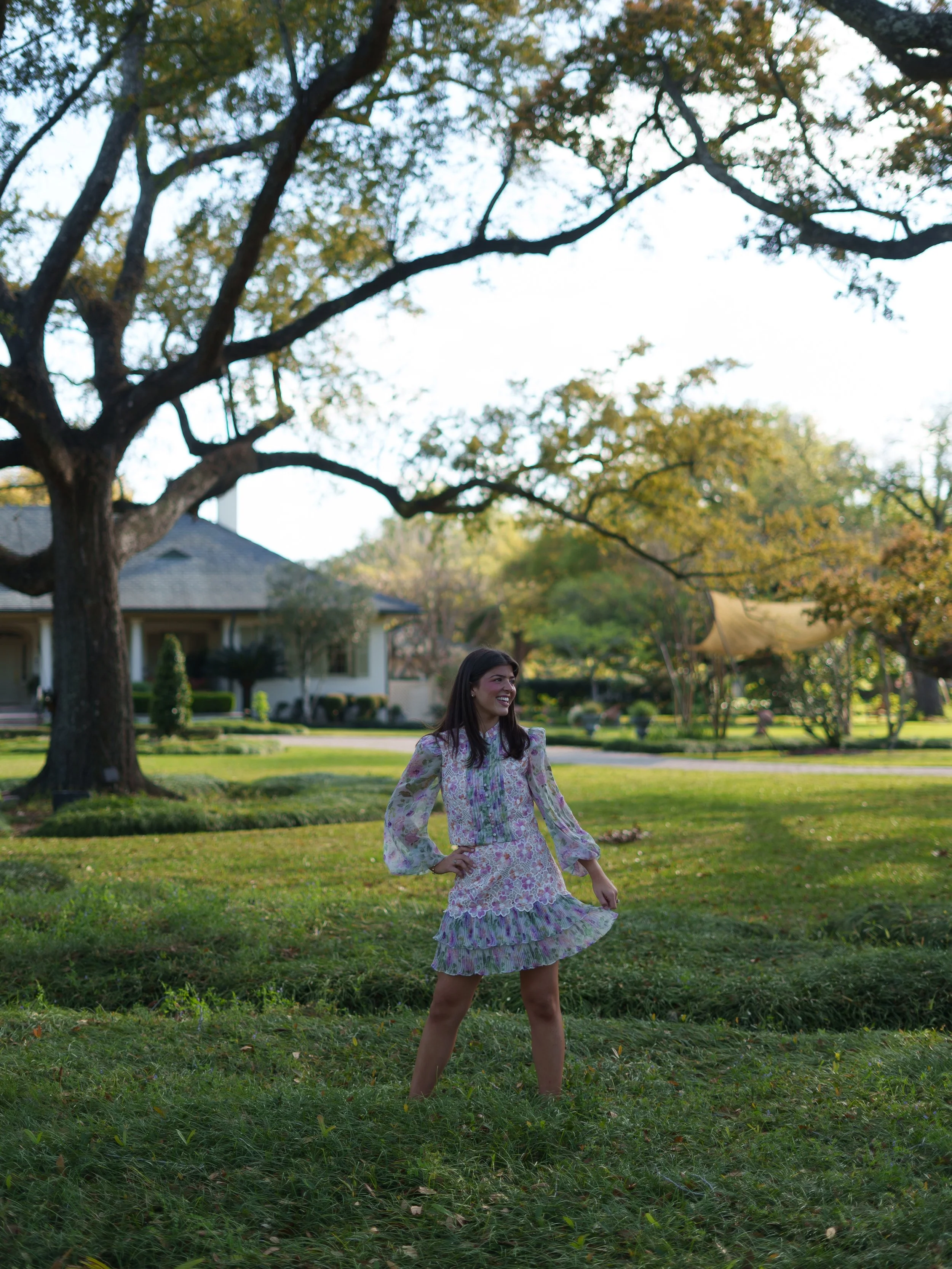 Image 2 of 3
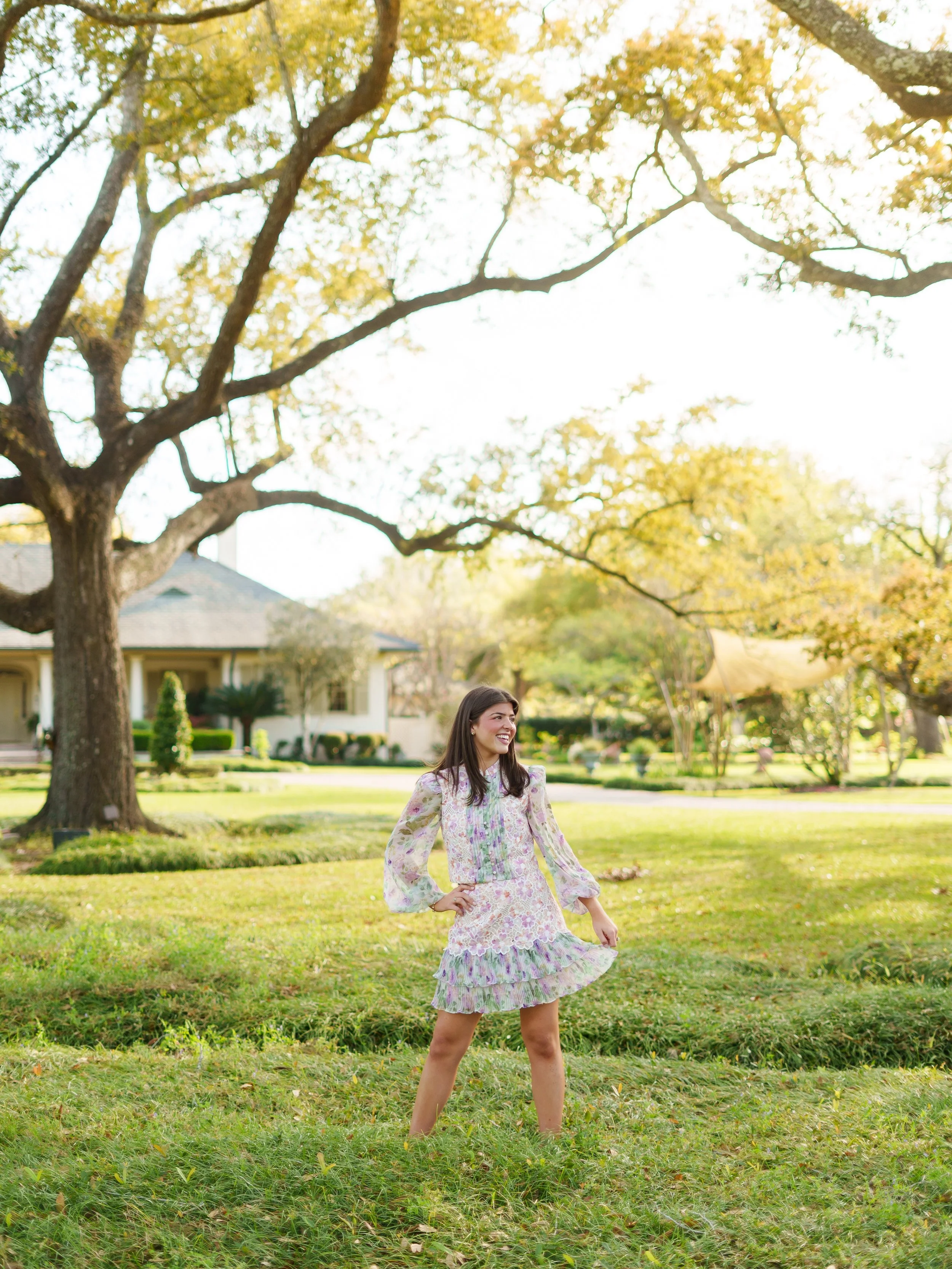 Image 3 of 3
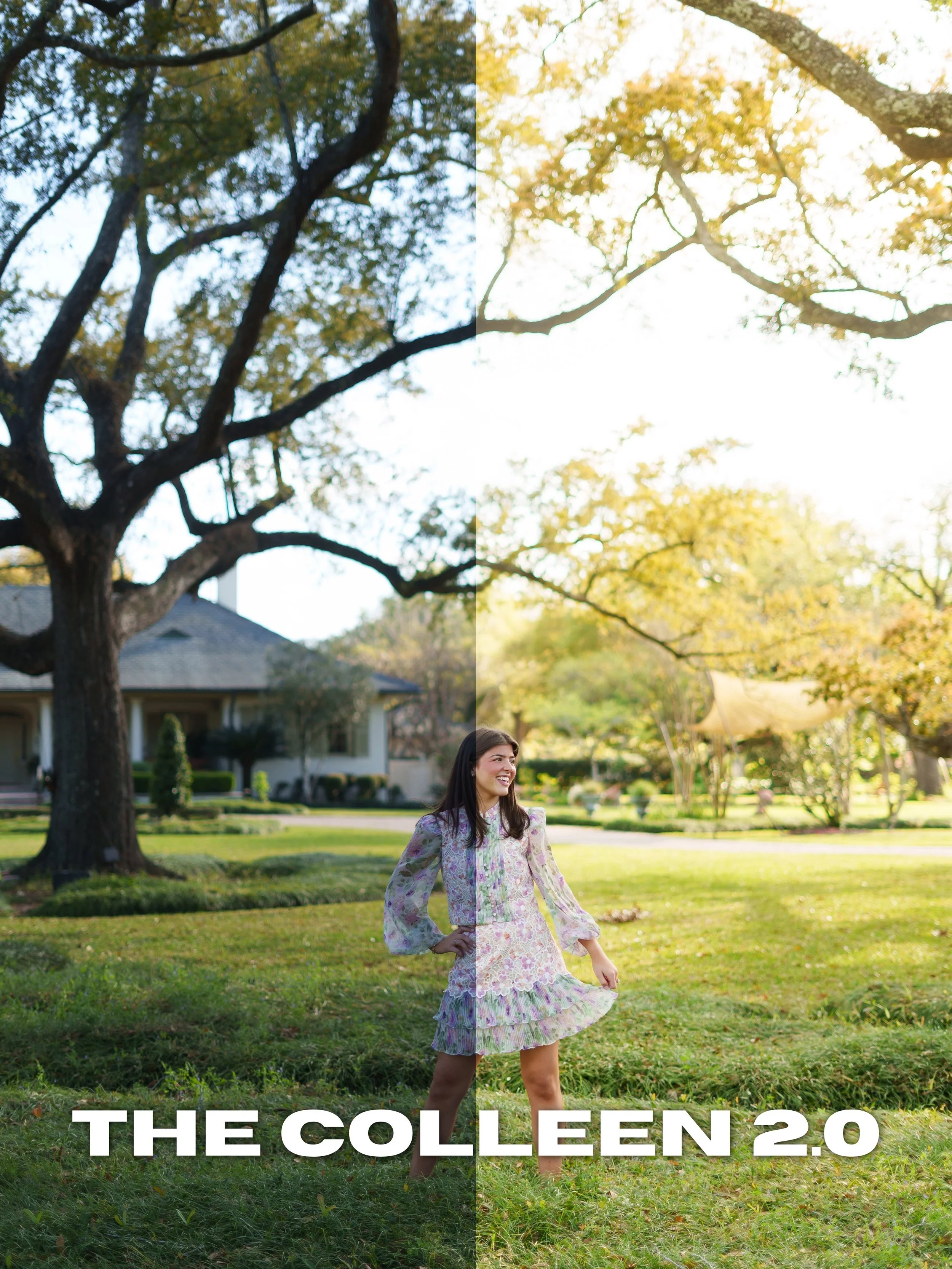
Colleen 2.0 builds off the original preset with an even dreamier and more refined look. Featuring soft highlights, creamy tones, subtle warmth, and a slightly film-inspired finish, this preset is perfect for creating elevated editorial-style portraits with a romantic feel.
Best used for:
Golden hour sessions
Weddings
Seniors
Lifestyle photography
Editorial content
Includes:
Desktop Lightroom Preset (.XMP)
Mobile Lightroom Preset (.DNG)
Compatible With:
Adobe Lightroom Desktop
Lightroom Mobile
Please Note:
Results may vary depending on lighting, camera settings, and image quality. Minor adjustments may still be necessary after applying the preset.
All sales are final due to the digital nature of this product. All taxes are included in price.
Download and unzip the preset folder.
Open Adobe Lightroom.
Navigate to the Develop tab.
Open the Presets panel.
Click the “+” icon and select “Import Presets.”
Select the included .XMP preset files.
Your presets are now installed and ready to use.
Download and unzip the preset folder on your mobile device.
Open Lightroom Mobile.
Import the included .DNG files into Lightroom.
Open one of the imported preset images.
Tap the three dots in the top corner.
Select “Create Preset.”
Name and save the preset.
Repeat for remaining presets.
Presets work best on RAW images.
Lighting conditions and camera settings may vary.
Minor adjustments to exposure and white balance may still be needed.
Colleen 2.0 builds off the original preset with an even dreamier and more refined look. Featuring soft highlights, creamy tones, subtle warmth, and a slightly film-inspired finish, this preset is perfect for creating elevated editorial-style portraits with a romantic feel.
Best used for:
Golden hour sessions
Weddings
Seniors
Lifestyle photography
Editorial content
Includes:
Desktop Lightroom Preset (.XMP)
Mobile Lightroom Preset (.DNG)
Compatible With:
Adobe Lightroom Desktop
Lightroom Mobile
Please Note:
Results may vary depending on lighting, camera settings, and image quality. Minor adjustments may still be necessary after applying the preset.
All sales are final due to the digital nature of this product. All taxes are included in price.
Download and unzip the preset folder.
Open Adobe Lightroom.
Navigate to the Develop tab.
Open the Presets panel.
Click the “+” icon and select “Import Presets.”
Select the included .XMP preset files.
Your presets are now installed and ready to use.
Download and unzip the preset folder on your mobile device.
Open Lightroom Mobile.
Import the included .DNG files into Lightroom.
Open one of the imported preset images.
Tap the three dots in the top corner.
Select “Create Preset.”
Name and save the preset.
Repeat for remaining presets.
Presets work best on RAW images.
Lighting conditions and camera settings may vary.
Minor adjustments to exposure and white balance may still be needed.